
1. Introduction
Creating a resume is one of the most important steps in starting your professional career. Whether you are a fresher, a recent graduate or an experienced professional, your resume plays an important role in introducing your skills and qualifications to employers.
However, many companies receive hundreds of applications for a single job opening. To manage these applications, recruiters often use Applicant Tracking Systems (ATS) to organize and screen resumes.
This makes it important to create a resume that is professionally structured, easy to read and relevant to the job you are applying for.
2. What Is an Applicant Tracking System (ATS)?
An Applicant Tracking System (ATS) is software used by employers and recruitment teams to collect, organize and manage job applications.
Depending on the software and employer's settings, an ATS may help identify relevant information such as skills, qualifications, education and work experience.
In Simple Words
An ATS helps recruiters manage job applications. A clear and properly formatted resume makes it easier for recruitment software and people to understand your qualifications.
3. Why Is an ATS-Friendly Resume Important?
A well-structured resume helps recruiters quickly understand whether your profile matches a job opening. Here are some reasons why ATS-friendly formatting matters:
- Better readability: Clear formatting helps software and recruiters identify important information.
- Relevant keywords: Job-related skills and qualifications make your experience easier to identify.
- Professional presentation: Organized sections create a clear and consistent resume.
- Improved application quality: A customized resume communicates your suitability for the position more effectively.
4. How to Create an ATS-Friendly Resume Step by Step
Step 1: Choose a Simple Resume Format
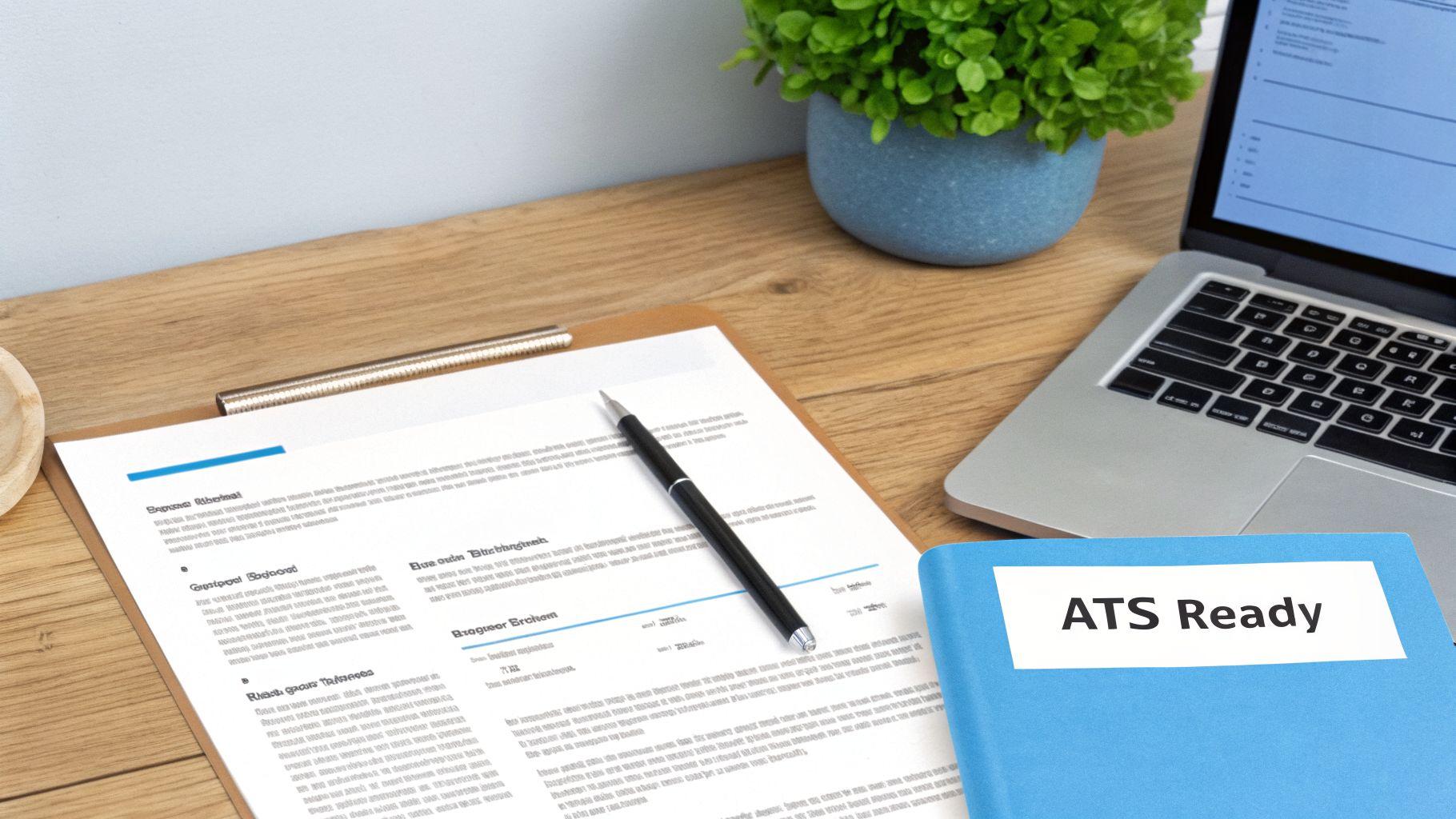
Start with a clean and professional resume layout. Avoid complicated designs, multiple columns, excessive graphics and unnecessary decorative elements.
A simple single-column layout with clearly defined sections is generally a good choice.
Step 2: Write a Strong Professional Summary
Your professional summary should briefly introduce your education, important skills and career interests. Keep it relevant to the position you are applying for.
Example for a fresher:
Recent Computer Science graduate with knowledge of Python, SQL and web development. Interested in applying technical skills, learning new technologies and contributing to practical software development projects.
Step 3: Include Relevant Skills
Add a dedicated skills section to highlight your technical and professional abilities.
For example:
- Programming: Python, Java, C++
- Database: SQL, MySQL
- Web Development: HTML, CSS, JavaScript
- Tools: Git, GitHub, VS Code
- Professional Skills: Communication, teamwork and problem-solving
Include only the skills you genuinely know and can explain during an interview.
Step 4: Highlight Projects and Internships
If you are a fresher and do not have full-time work experience, your academic projects and internships can help demonstrate your practical skills.
For each project, mention:
- Project name
- Technologies used
- Your role and responsibilities
- What you developed or achieved
Step 5: Add Your Education and Certifications
Include your degree, college or university name, graduation year and relevant academic information. You can also include certifications that support your career goals.
Step 6: Customize Your Resume for Every Job
Avoid sending exactly the same resume for every application. Read the job description and identify the skills, qualifications and responsibilities relevant to the position.
Update your resume to highlight the experience and abilities that genuinely match those requirements.
5. Best Resume Format for ATS
Choosing the right format makes your resume easier to scan and understand.
- Reverse chronological: Lists your most recent experience or education first. This is a widely used resume format.
- Simple single-column layout: Keeps information organized in a straightforward structure.
- Consistent formatting: Uses readable fonts, clear headings and uniform spacing.
Recommended formatting tips:
- Use readable fonts such as Arial or Calibri.
- Keep font sizes consistent.
- Use standard section headings.
- Avoid important information in headers and footers.
- Use simple bullet points.
- Follow the employer's requested file format.
6. How to Use the Right Keywords in Your Resume
Keywords are important because recruiters and recruitment systems may look for specific skills and qualifications mentioned in a job description.
For example, if a job description mentions Python, SQL, data analysis and problem-solving, include the relevant terms in your resume if they accurately describe your abilities.
Follow these tips:
- Read the complete job description carefully.
- Identify important skills and qualifications.
- Use relevant keywords naturally.
- Avoid repeating keywords unnecessarily.
- Never include skills you do not possess.
7. Common ATS Resume Mistakes to Avoid
Even a good resume can become difficult to read if it contains unnecessary formatting or errors. Avoid these common mistakes:
- Using complicated tables and multiple columns.
- Adding excessive graphics and decorative elements.
- Using unusual section headings.
- Including spelling and grammatical mistakes.
- Adding irrelevant skills and information.
- Using incorrect contact information.
- Submitting a scanned image instead of readable text.
8. Useful Tools to Create Your Resume
You can use different online tools to prepare, edit and review your resume.
- Microsoft Word: Useful for creating simple and editable resumes.
- Google Docs: Offers accessible document editing and straightforward resume templates.
- Canva: Provides resume templates. Choose a simple text-based layout when ATS readability is important.
9. ATS-Friendly Resume Checklist
Before submitting your application, review this checklist:
- My resume has a clean and simple layout.
- My contact information is correct.
- My resume includes relevant job keywords.
- My education and skills are clearly mentioned.
- My projects and internships are properly described.
- I have checked spelling and grammar.
- My document contains selectable text.
- I have followed the employer's file format instructions.
10. Conclusion
Creating an ATS-friendly resume is an important step in preparing for your job search. A clear structure, relevant keywords and properly organized information can help recruiters understand your profile.
Remember that an ATS-friendly resume does not guarantee selection or an interview. Your skills, qualifications and suitability for the position remain important.
Take time to customize your resume for every opportunity and keep updating it as you gain new skills and experience.
Ready to Take the Next Step in Your Career?
Explore internship opportunities and discover new ways to build your professional future with Employmentree.
Explore Opportunities →